Document automation software in 2026: 12 tools compared
Seven tools to produce documents and five to read them, with official prices, hosting and ownership as of 13 September 2026. Plus what mandatory e-invoicing in France changes for invoice extraction.
Zakaria El Asri14 min
E-invoicing in France
Since 1 September 2026, every VAT-registered business in France must be able to receive e-invoices.
In brief
The short answer
"Document automation" covers two families of tools. To produce quotes, contracts or legal documents: PandaDoc, Juro, Gavel or Templafy. To read incoming documents and extract their data: Rossum (acquired by Coupa in May 2026), Mindee, Nanonets or Klippa (Doxis AI.dp). Since 1 September 2026, invoices issued by large French companies and mid-caps arrive as structured data through an approved platform, so extraction mostly serves foreign invoices, PDFs from French SMEs until September 2027, and documents that are not invoices.
Reform
Mandatory e-invoicing in France: what changed on 1 September 2026
Since 1 September 2026, every VAT-registered business in France, whatever its size or legal form, must be able to receive e-invoices through an approved platform (plateforme agréée). Large companies and mid-caps (ETI) must also issue them. SMEs and micro-businesses have until 1 September 2027 at the latest to start issuing. E-reporting, which covers sales to consumers and international transactions, follows the same calendar.
Obligation
Large companies and mid-caps
SMEs and micro-businesses
Receive e-invoices
1 September 2026
1 September 2026
Issue e-invoices
1 September 2026
1 September 2027 at the latest
E-reporting
1 September 2026
1 September 2027
Calendar from the DGFiP FAQ (version of 1 September 2026) and service-public.fr (page F31808, checked 11 August 2026), read on 13 September 2026.
An e-invoice is a structured file in one of three accepted formats: UBL, CII, or a mixed format such as Factur-X, which pairs structured data with a readable image. The DGFiP FAQ points out that a plain PDF sent electronically does not count as an e-invoice under the reform.
An approved platform (formerly called PDP) is a private operator registered by the French State for three years, renewable. It is the mandatory intermediary for sending and receiving invoices, and it passes data to the tax authority. Businesses choose freely, can use several and can switch at any time. Since 1 September 2026, invoices also carry four new mentions: the customer's SIREN number, the type of transaction, the option to pay VAT on debits where it applies, and the delivery address if it differs from the customer's.
What the reform changes for invoice extraction
Invoices between VAT-registered businesses established in France arrive as structured data through the platforms once the issuer falls under the obligation, and the issuer's platform extracts the tax data itself. For that flow, OCR is no longer needed. Every other incoming document still arrives as a PDF, a scan or paper.
Incoming documents
Format
Extraction still useful
B2B invoices from a French business required to issue e-invoices
UBL, CII or Factur-X through an approved platform
No
Invoices from French SMEs and micro-businesses before 1 September 2027
Any format, including PDF
Yes, during the transition
Invoices from suppliers established outside France
Reading of the DGFiP FAQ (questions 1.1, 4.1, 5.2 and 6.2, version of 1 September 2026). Lumyniq, 13 September 2026.
On the generation side, invoices now come out of your invoicing software connected to an approved platform, as soon as the obligation to issue applies to your business. A document generator keeps its role for quotes, contracts, certificates and legal documents.
Framing
Generation or extraction: two families of tools
"Document automation" names two needs that run in opposite directions. Generation produces documents that leave your company. Extraction reads documents that come in from outside and pulls data out of them for your software.
Generation
Extraction
Direction
Outgoing: you produce
Incoming: you receive
Starting point
A template and data
A received file, often a PDF or a scan
Output
A document that follows the template
Usable data in your systems
Examples
Quote, contract, certificate, deed
Foreign invoice, ID document, receipt
The gain
Drafting time and compliance
Data entry time and retyping errors
Success measure
Documents produced with no rework
Correct extraction rate
The two families and what they are used for. Lumyniq, 13 September 2026.
The one-minute test: ask who retypes what. If a salesperson copies customer details into a Word template, you have a generation need. If an accountant copies amounts from a PDF into software, you have an extraction need. Many companies have both: start with the one that eats the most hours.
The heaviest volumes often sit in regulated work: documents and exhibits in law firms, patient files, or tenant files and mandates in real estate. For tools built for contracts and legal documents, see also our comparison of the best AI tools for legal work.
Overview
The 12 tools compared
Tool
Family
Starting price
Capterra reviews
PandaDoc
Generation
See the pricing page (official price not verified)
4.5/5 from 1,258 reviews
Juro
Generation
Custom quote, based on contract volume
4.8/5 from 47 reviews
Templafy
Generation
Individual free (1 seat); Team $40 per user per month, $400 per month minimum; Enterprise custom quote
4.2/5 from 21 reviews (few reviews)
Gavel
Generation
Lite $83 per month (billing period not stated); Standard $165 per month billed annually or $210 monthly; Pro $290 per month; Scale custom quote
4.9/5 from 51 reviews
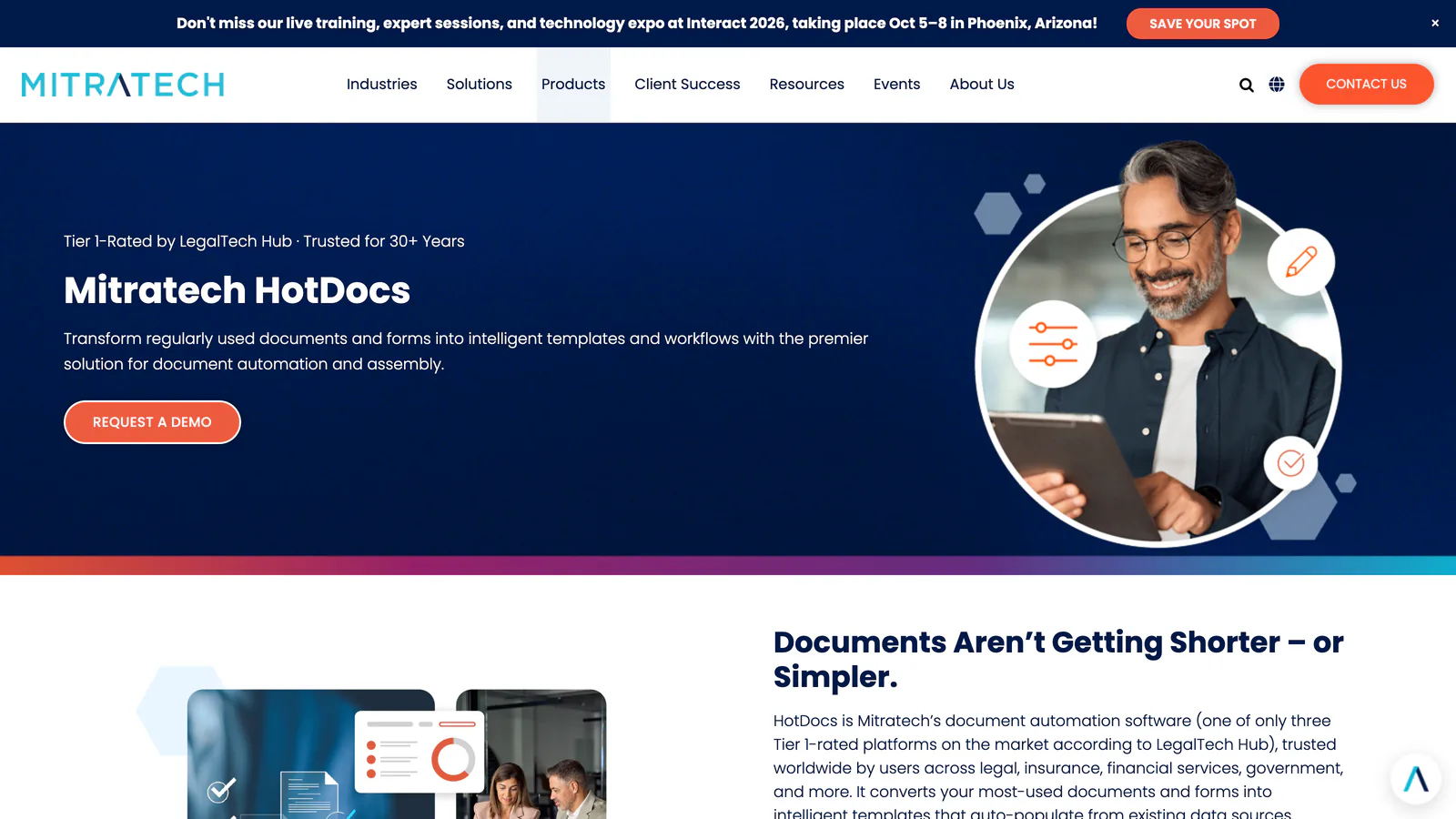
HotDocs
Generation
No official price published
4.1/5 from 59 reviews (listed as Mitratech HotDocs)
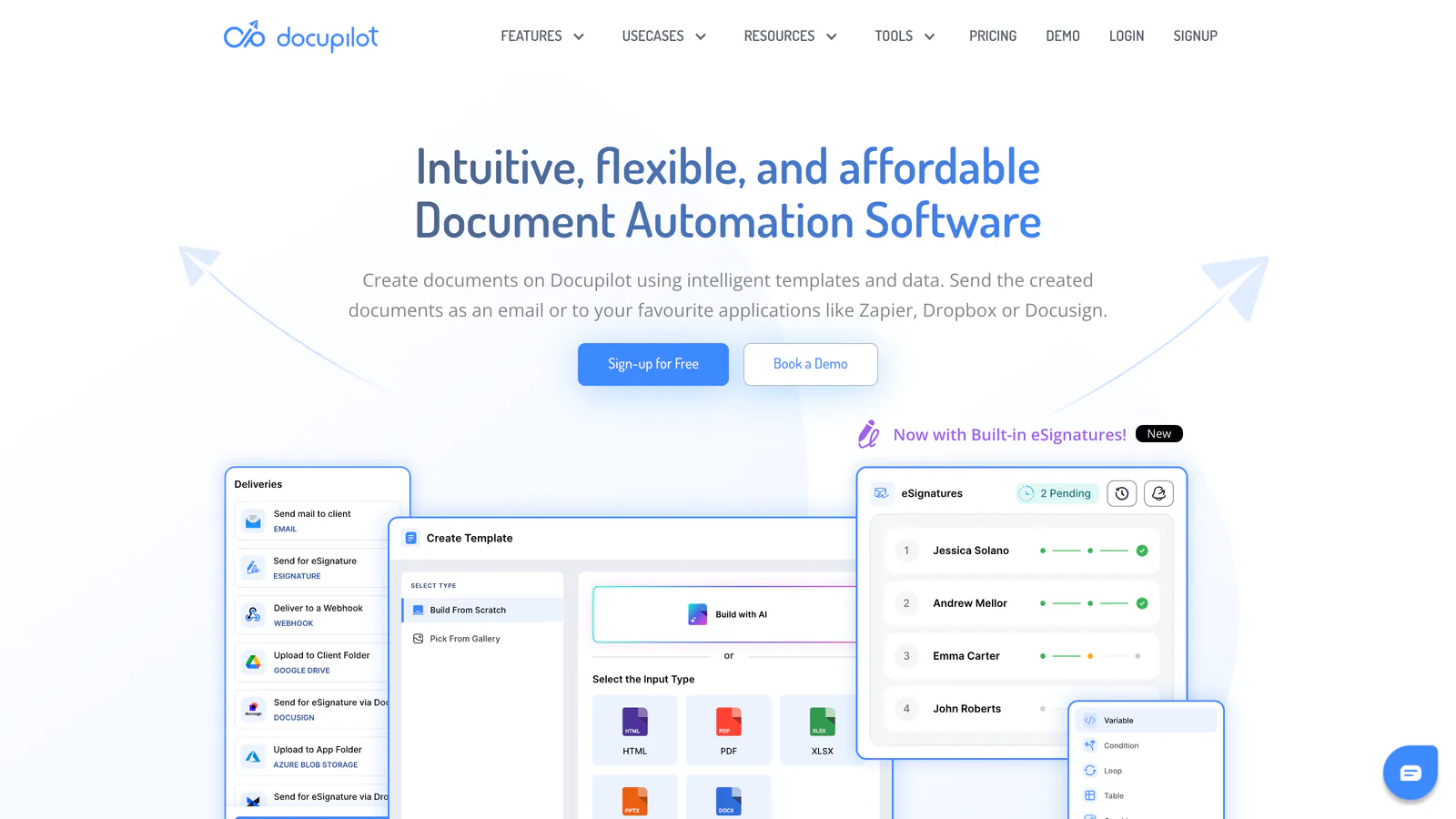
Docupilot
Generation
Starter $29 per month (100 documents); tiers up to Enterprise $699 per month (10,000 documents); Business and Enterprise need a yearly commitment
5.0/5 from 48 reviews
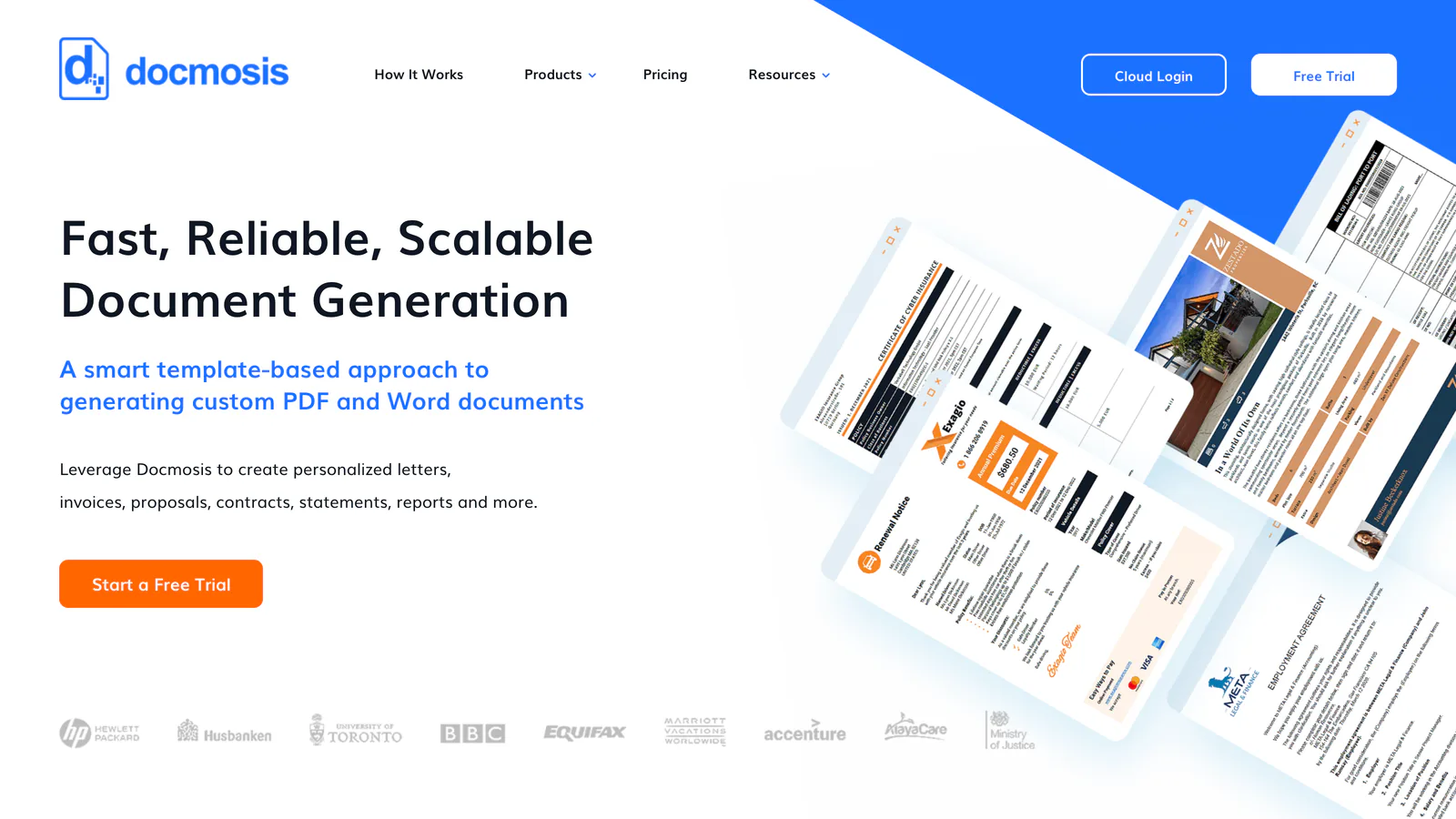
Docmosis
Generation
Cloud: Professional $49, Business $64, Enterprise $78 per month (check included volume on the page); self-hosted licence from $3,795 (perpetual)
5.0/5 from 28 reviews (few reviews)
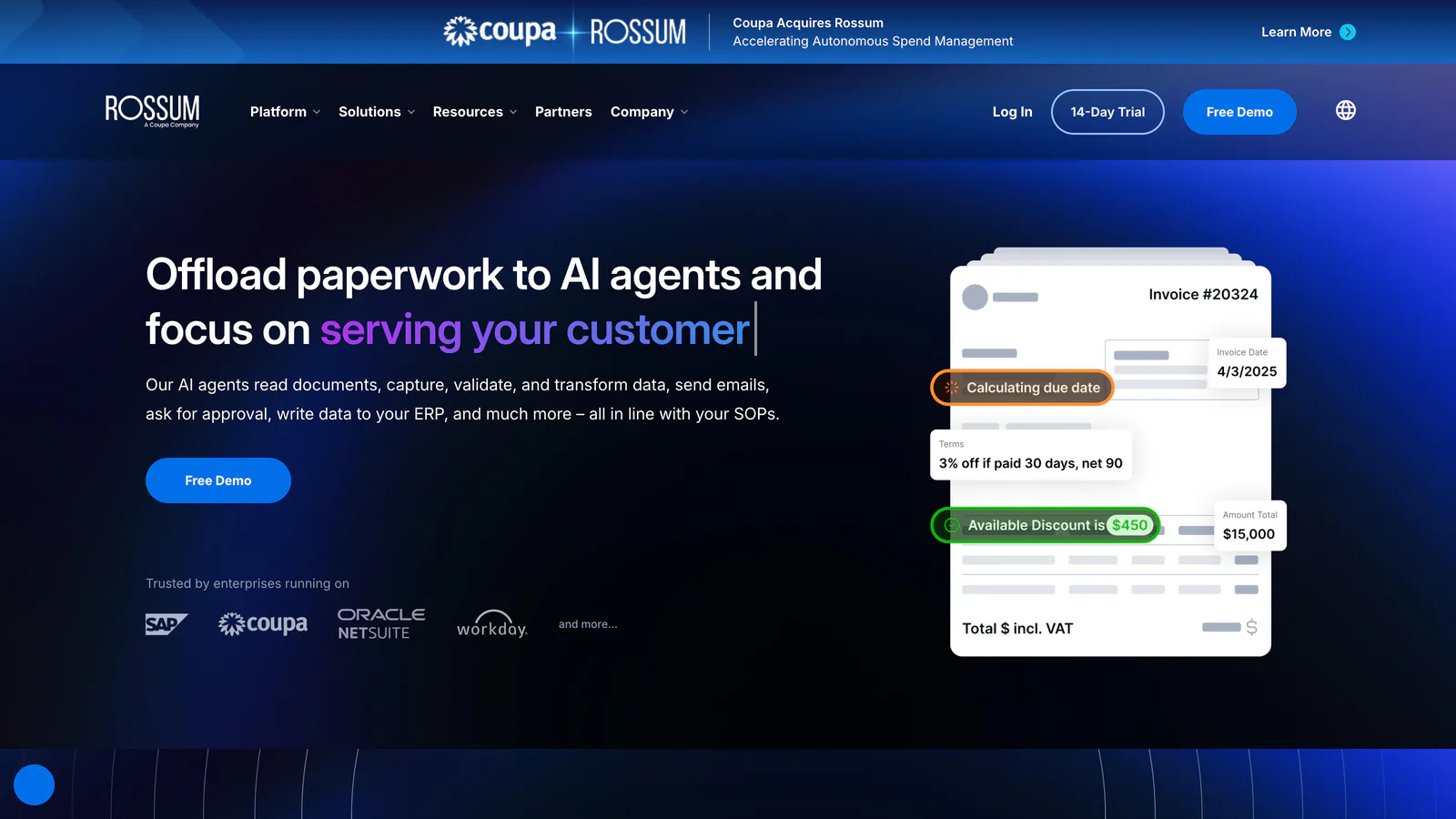
Rossum
Extraction
Starter from $18,000 per year; Business, Enterprise and Ultimate custom quote; 1-year minimum
4.3/5 from 13 reviews (few reviews)
Mindee
Extraction
Starter $44 per month or $529 per year; Pro $116 per month or $1,393 per year; Enterprise custom quote; 1 page = 1 credit
4.8/5 from 11 reviews (few reviews)
Docsumo
Extraction
Free plan for 14 days (1,000 pages); Business and Enterprise custom quote
4.3/5 from 9 reviews (few reviews)
Nanonets
Extraction
Starter: $50 free credits, then pay per block from $0.02 to $0.30 (4 to 6 blocks for a typical invoice, according to the vendor); Growth and Enterprise custom quote
4.8/5 from 81 reviews
Klippa (Doxis AI.dp)
Extraction
Custom quote, based on volume
4.8/5 from 31 reviews
Prices from official vendor pricing pages and Capterra ratings, read on 13 September 2026. 'Few reviews' flags fewer than 30 reviews.
Relativity (acquisition announced 12 June 2026); originally Documate, Inc. (Los Angeles, US)
Legal document assembly driven by questionnaires, for law firms and legal teams.
Best for:
Firms producing repetitive documents with variables
Price:
Lite $83 per month (billing period not stated); Standard $165 per month billed annually or $210 monthly; Pro $290 per month; Scale custom quote (pricing page, 13 September 2026)
Hosting:
US by default; EU hosting offered
Reviews:
4.9/5 from 51 reviews on Capterra, read on 13 September 2026
Strengths
Questionnaire logic suited to documents with conditional clauses
7-day trial with no card
Limits
Data stays in the US unless you ask for the EU option
Document generation from templates and via API, with a public volume-based price list.
Best for:
Technical teams generating documents from their own systems
Price:
Starter $29 per month (100 documents); tiers up to Enterprise $699 per month (10,000 documents); Business and Enterprise need a yearly commitment (pricing page, 13 September 2026)
Hosting:
AWS; EU option not stated
Reviews:
5.0/5 from 48 reviews on Capterra, read on 13 September 2026
Strengths
Public price list from Starter to Enterprise
14-day trial with no card
Limits
Everything goes through integration with your systems
Document generation engine to embed in software, in the cloud or on your own servers.
Best for:
Software vendors building generation into their product
Price:
Cloud: Professional $49, Business $64, Enterprise $78 per month (check included volume on the page); self-hosted licence from $3,795 (perpetual) (pricing page, 13 September 2026)
Hosting:
Cloud in the US, EU or Australia; self-hosting available
Reviews:
5.0/5 from 28 reviews (few reviews) on Capterra, read on 13 September 2026
Document extraction via API: ID documents, invoices, receipts.
Best for:
SMBs that want to add extraction to an existing workflow
Price:
Starter $44 per month or $529 per year; Pro $116 per month or $1,393 per year; Enterprise custom quote; 1 page = 1 credit (pricing page, 13 September 2026)
Hosting:
EU processing zone, not on all plans (the pricing page ties it to Pro)
Reviews:
4.8/5 from 11 reviews (few reviews) on Capterra, read on 13 September 2026
General-purpose extraction that you can train on your own document sets.
Best for:
Business-specific documents that no generic model covers
Price:
Starter: $50 free credits, then pay per block from $0.02 to $0.30 (4 to 6 blocks for a typical invoice, according to the vendor); Growth and Enterprise custom quote (pricing page, 13 September 2026)
Hosting:
Not stated
Reviews:
4.8/5 from 81 reviews on Capterra, read on 13 September 2026
Strengths
Training on your own documents
Pay-as-you-go start with no subscription and no card
Doxis, formerly SER Group (Germany), acquired March 2025
Extraction focused on expense receipts, invoices and identity verification. The former DocHorizon product is now called Doxis AI.dp.
Best for:
Expenses and receipts in a European context
Price:
Custom quote, based on volume (pricing page, 13 September 2026)
Hosting:
Hosted in the EU, according to the product page
Reviews:
4.8/5 from 31 reviews on Capterra, read on 13 September 2026
Strengths
Specialised in expense documents
EU hosting
Limits
No self-service trial, demo only
New owner and new name: check contract continuity
Alternative
Extracting data with an AI model
When your documents fall outside the models vendors provide, or when extraction has to trigger further actions (filing, follow-ups, a CRM update), another route is to call an AI model or a cloud document-reading service directly, billed per page or per token.
Service
Price
Worth knowing
Mistral OCR 4.1
$4 per 1,000 pages; $2 with Batch
Released 16 July 2026
Azure Document Intelligence, Read
$1.50 per 1,000 pages
westeurope region; 500 free pages per month (F0 tier)
Azure Document Intelligence, prebuilt invoice model
$10 per 1,000 pages
westeurope region
Azure Document Intelligence, custom extraction
$30 per 1,000 pages
westeurope region
Claude (PDF reading)
No separate PDF fee: text and image tokens per page
600 pages and 32 MB per request
Prices in US dollars read on 13 September 2026: Mistral API pricing page, Azure Retail Prices API (westeurope region), Claude PDF support documentation.
Claude processes each PDF page twice: as text, typically 1,500 to 3,000 tokens per page, and as an image. The cost therefore depends on the model you pick and the number of pages. The 600-page limit per request drops to 100 pages on models with a context window under one million tokens. Per-model prices are in our guide to Claude API pricing.
These services read the document. You still have to build the confidence threshold, the human review step, the connection to your software and the audit trail. That is the job of a custom AI agent or an n8n workflow. If the goal is to answer questions from your documents rather than pull fields out of them, enterprise RAG is the right approach. To connect extraction to the rest of your stack, see also the best AI automation tools.
The sensitive part
Regulated sectors
Document extraction carries a specific risk: the documents it processes contain personal data by nature. ID documents, payslips, medical records and proof of address are exactly what extraction is used to read.
Question
Why it decides
Where is the document processed?
A transfer outside the EU needs specific safeguards under the GDPR
How long is it kept?
After extraction, the file has no reason to be kept
Who sees the content when something fails?
Human review means access to the raw data
Does the model learn from your documents?
This must be written into the contract
The four questions to ask before the demo. Lumyniq, 13 September 2026.
Tool
Owner
Documented hosting
PandaDoc
PandaDoc (HQ not stated)
EU server in Frankfurt (AWS), isolated from the US; support conversations still go to the US
Juro
Juro (offices in London and Boston)
AWS eu-west-1 (Ireland) by default
Templafy
Templafy (Copenhagen, Denmark)
Azure, EU/EEA region (France is among the listed locations)
Gavel
Relativity (acquisition announced 12 June 2026); originally Documate, Inc. (Los Angeles, US)
US by default; EU hosting offered
HotDocs
Mitratech (acquisition announced June 2024)
HotDocs Cloud Services on Azure; EU region not stated
Docupilot
Docupilot, Inc. (Delaware, US)
AWS; EU option not stated
Docmosis
Docmosis Pty Ltd (Australia)
Cloud in the US, EU or Australia; self-hosting available
Rossum
Coupa (acquisition announced 12 May 2026)
AWS Frankfurt by default for new customers, backup in Ireland; US and Tokyo also available
Mindee
Independent, based in Paris
EU processing zone, not on all plans (the pricing page ties it to Pro)
Docsumo
Docsumo Pte. Ltd. (Singapore)
Not stated
Nanonets
Nano Net Technologies Inc. (US)
Not stated
Klippa (Doxis AI.dp)
Doxis, formerly SER Group (Germany), acquired March 2025
Hosted in the EU, according to the product page
Hosting from vendor security, GDPR and pricing pages, read on 13 September 2026. 'Not stated': no official page we read documents it.
Where data is hosted and who owns the vendor are two separate questions. Rossum hosts in Frankfurt by default and has belonged to Coupa since the May 2026 announcement. Klippa, originally Dutch, belongs to Germany's Doxis. Mindee is independent and based in Paris, but its EU processing zone is not offered on every plan. Ask both questions and get the answers confirmed in the data processing agreement.
An agent that reads documents from outside your company also raises its own security questions, covered in our guide to AI agent security.
When extraction has to fit into a wider business process (sorting files, follow-ups, CRM updates), the tool alone is not enough, and that is the work Lumyniq does. Transparency: we publish this site and are not in this comparison, because we do not sell document software.
FAQ
Frequently asked questions about document automation
It depends on the family. To produce documents: PandaDoc (quotes and contracts), Juro (contracts), Gavel (legal documents), Templafy (template governance). To read incoming documents and extract data: Rossum (high-volume invoices, acquired by Coupa in 2026), Mindee (API, Paris), Nanonets (specialised documents) and Klippa, now Doxis AI.dp. This article compares their prices, hosting and reviews as of 13 September 2026.